

Administration
Auth Providers
Updated: November 11, 2026
Configure how your distributor users authenticate, including SSO.
Auth providers define how users sign in to your Distributor Portal. Manage them under Settings → Auth Providers.
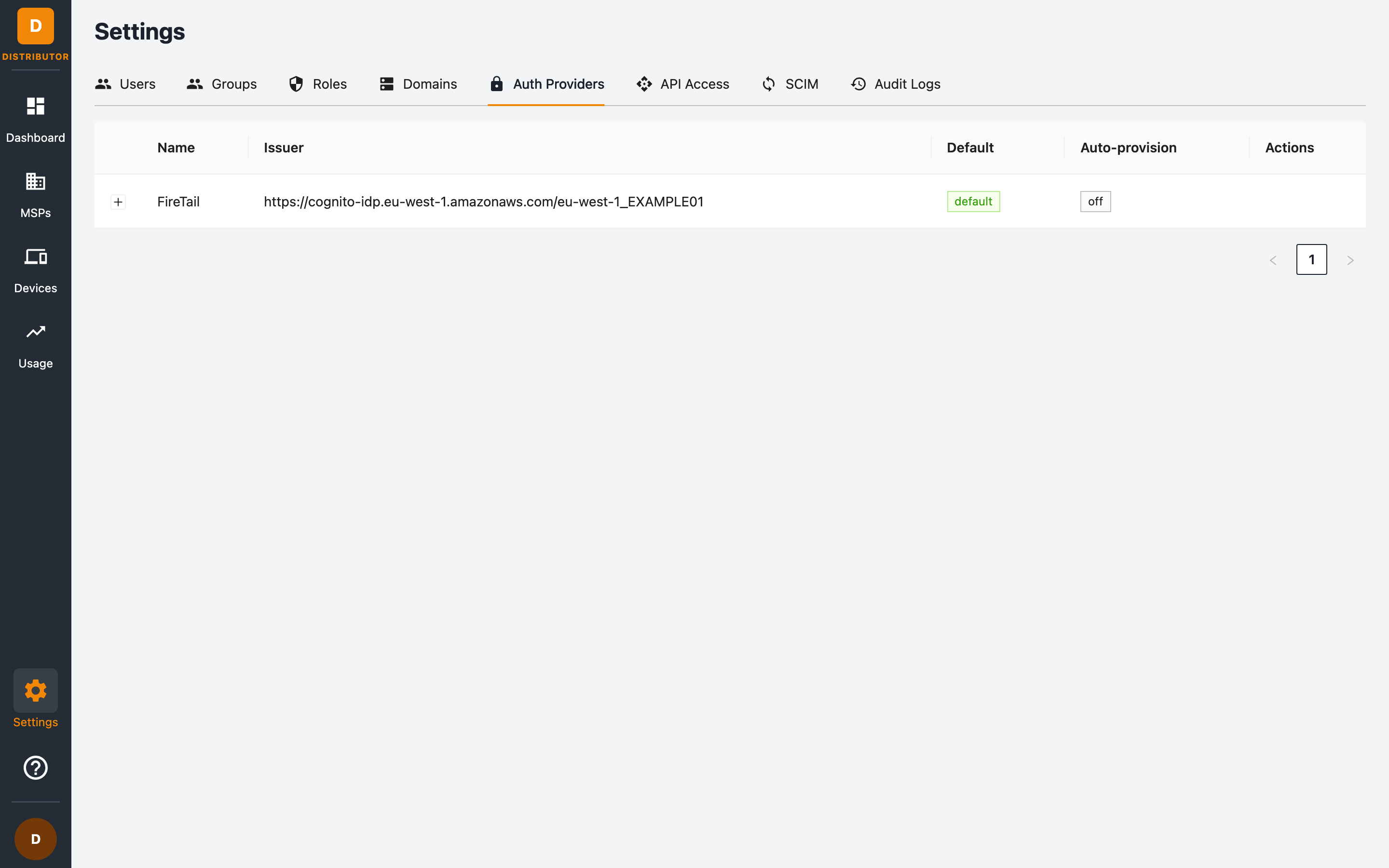
The providers table
| Column | Meaning |
|---|---|
| Name | The provider's display name (shown on the login screen). |
| Issuer | The OpenID Connect issuer URL of the identity provider. |
| Default | The provider users are sent to by default when they visit the portal. |
| Auto-provision | Whether users who authenticate successfully but don't yet exist are created automatically. |
Click Expand row on a provider to see its full configuration.
The FireTail provider
Every distributor starts with the built-in FireTail provider (backed by FireTail's identity service). It is marked default and has auto-provisioning off — meaning users must be added explicitly before they can access the portal.
Bringing your own identity provider
You can connect your corporate SSO (any OpenID Connect–compatible provider such as Okta, Microsoft Entra ID, or Google Workspace). Once configured:
- Set it as the default so your team lands on your SSO login automatically.
- Optionally enable auto-provision so that anyone who successfully authenticates through your IdP gets a distributor user created automatically. Combine this with a default role and group scoping to keep access least-privilege.
For fully-managed user lifecycle (create, update, deactivate from your IdP), also see SCIM Provisioning.
Related permissions
Managing auth providers requires the auth_provider:list and auth_provider:update permissions.
SSO authentication token
The authentication token type is managed in a separate administration portal. This portal automatically uses the configured token for sign-in and authenticated requests. The built-in FireTail Cognito provider uses ID tokens by default.
Sign out and sign in again after your administrator changes this setting.