

Administration
Groups
Updated: November 16, 2026
Organise MSPs into groups to scope which MSPs a user can see.
Groups are named collections of MSPs. Their main purpose is access scoping: instead of granting a distributor user access to all MSPs, you can scope them to one or more groups. Manage groups under Settings → Groups.
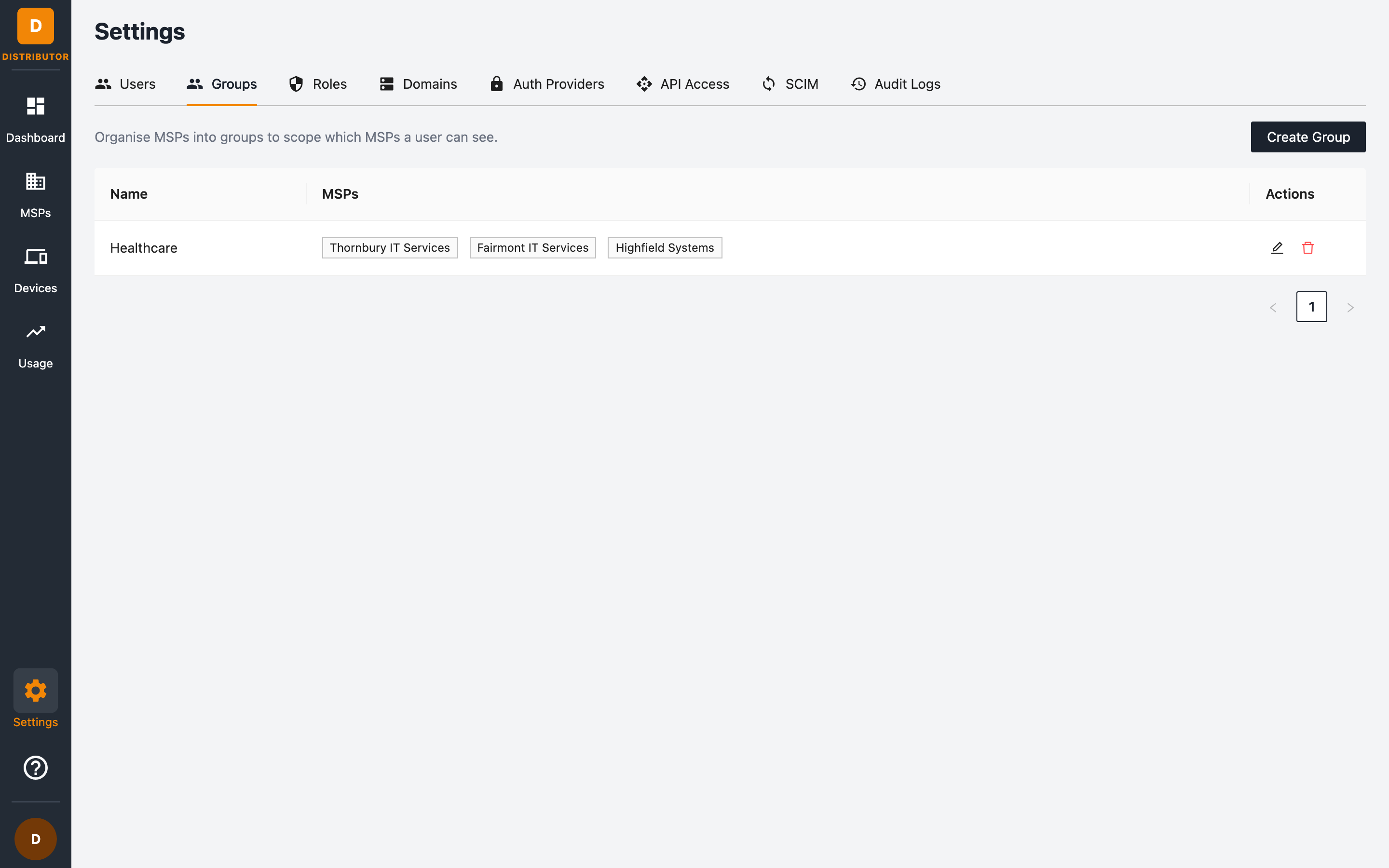
Creating a group
- Go to Settings → Groups and click + Create Group.
- Give the group a name (for example EMEA, Enterprise accounts).
- Select the MSPs that belong to the group.
An MSP can belong to multiple groups.
Using groups
- User access — when adding or editing a user, turn off All MSPs and pick groups. The user then only sees MSPs in those groups.
- Usage filtering — the Usage page has a Filter by group control so you can view usage for a single group.
- SCIM — users provisioned via SCIM are always scoped to their group memberships.
Editing and deleting groups
Use the edit button on a group row to rename it or change its MSPs, and delete to remove the group. Deleting a group does not delete its MSPs, but users scoped only to that group will lose visibility of them — double-check user scopes before deleting.