

Administration
SCIM Provisioning
Updated: November 16, 2026
Provision users and groups automatically from Okta, Entra ID, or any SCIM 2.0 identity provider.
SCIM 2.0 lets your identity provider (Okta, Microsoft Entra ID, and others) create, update, and deactivate distributor users and groups automatically. Configure it under Settings → SCIM.
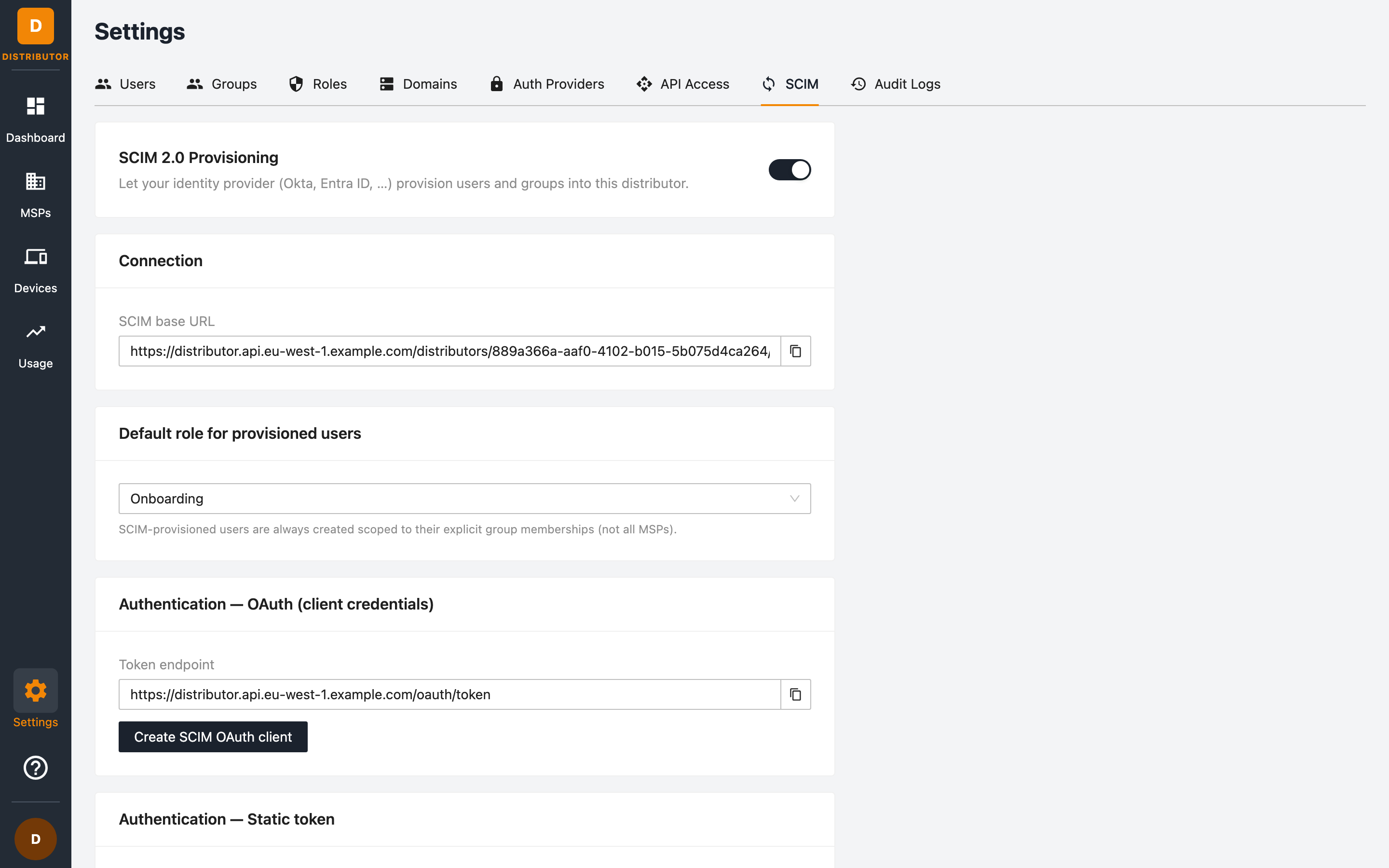
Enabling SCIM
Use the toggle at the top of the tab to enable SCIM 2.0 Provisioning for your distributorship.
Connection details
Copy the SCIM base URL into your identity provider's provisioning configuration. It looks like:
https://<api-host>/distributors/<distributor-id>/scim/v2
Default role
Choose the default role assigned to users created via SCIM (for example a read-only or support role — see Roles & Permissions).
SCIM-provisioned users are always created scoped to their explicit group memberships — never All MSPs. Push groups from your IdP (or create groups here) to control what they can see.
Authentication options
Your IdP must authenticate its SCIM requests. Two mechanisms are supported:
OAuth (client credentials) — recommended
-
Click Create SCIM OAuth client to generate a dedicated client.
-
In your IdP, configure OAuth authentication with the client credentials and the token endpoint:
https://<api-host>/oauth/token
Static token
Click Generate SCIM token to create a long-lived bearer token, and paste it into your IdP's SCIM configuration. The token is shown only once. Afterwards the card shows the token's last four characters and when it was last used, with Rotate (replace it with a new token) and Revoke buttons. Prefer OAuth when your IdP supports it — static tokens don't expire automatically.
What gets synchronised
- Users — created on assignment, updated when attributes change, and deactivated when unassigned in your IdP.
- Groups — group memberships pushed from your IdP determine which MSPs the user can access.
Verifying
The Provisioning history table at the bottom of the tab lists the changes your IdP made: Time, Action, Resource, Status and Via (how your IdP authenticated, for example OAuth). Sync polls are not shown. The same activity appears in the Audit Logs with SCIM resource paths.
Related permissions
Managing SCIM settings requires the scim:config permission.