

Administration
Account Linking
Updated: November 16, 2026
Link multiple sign-in methods to a single MSP account.
If you can sign in to the portal in more than one way — for example with the FireTail provider and your company SSO — you may end up with two separate user accounts. Account Linking merges them so every sign-in method lands in the same account, with the same roles and group access.
The portal shows a Link your existing account banner when it finds another account with your email address. You can also open the page directly at /msps/<msp-uuid>/account-linking on your portal domain.
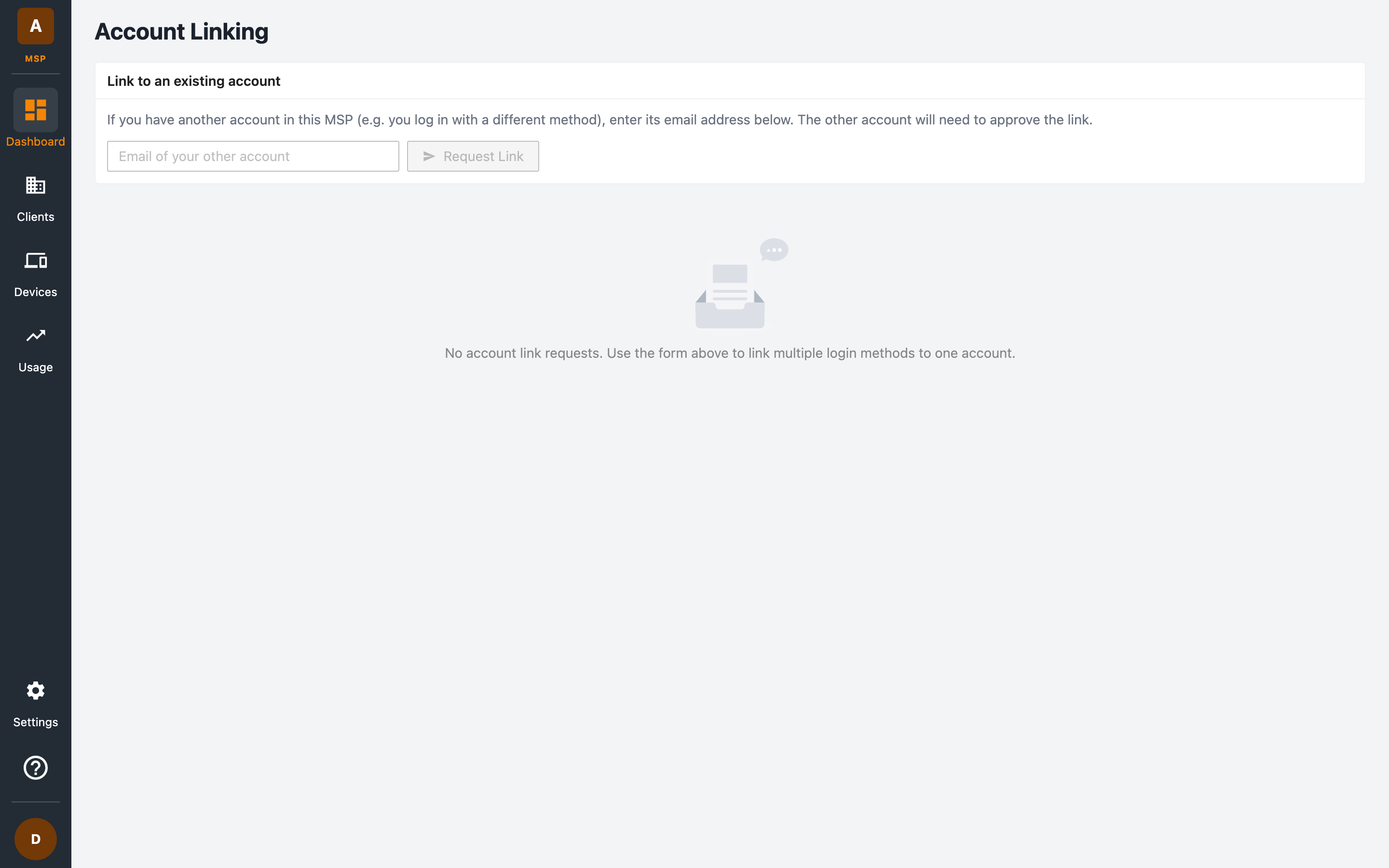
Linking to an existing account
- Sign in with the login method you want to merge from.
- Open Account Linking and enter the email of your other account under Link to an existing account.
- Click Request Link. The other account must approve the request.
- Sign in as the other account (your existing/main account) and Approve the request from the same page.
On approval, the requesting login method is merged into the approved account and the duplicate user record is removed. From then on, either sign-in method reaches the same account.
Each pending request shows when it was made and a summary of the browser and device it came from, so you can verify it's really you before approving. You can also Reject any request you don't recognise.
The link challenge at sign-in
If you sign in with a provider that isn't linked to your account yet (for example your admin just enabled a new SSO provider), the portal shows a link challenge instead of signing you in:
- You're asked to sign in with your existing provider first.
- Once you authenticate with the existing provider, approve the link.
- The new provider becomes active — you can now use either one.
This prevents someone else from attaching their login to your account: only a person who can authenticate with your existing method can approve a new one.
For administrators
Pending provider links across your MSP can also be reviewed and approved or denied by administrators — useful when rolling out a new auth provider to the whole team. All link activity is recorded in the audit logs.