

Administration
Domains
Updated: November 16, 2026
Your branded portal URLs — automatic subdomains and custom domains.
The Settings → Domains tab lists the URLs that resolve to your MSP portal.
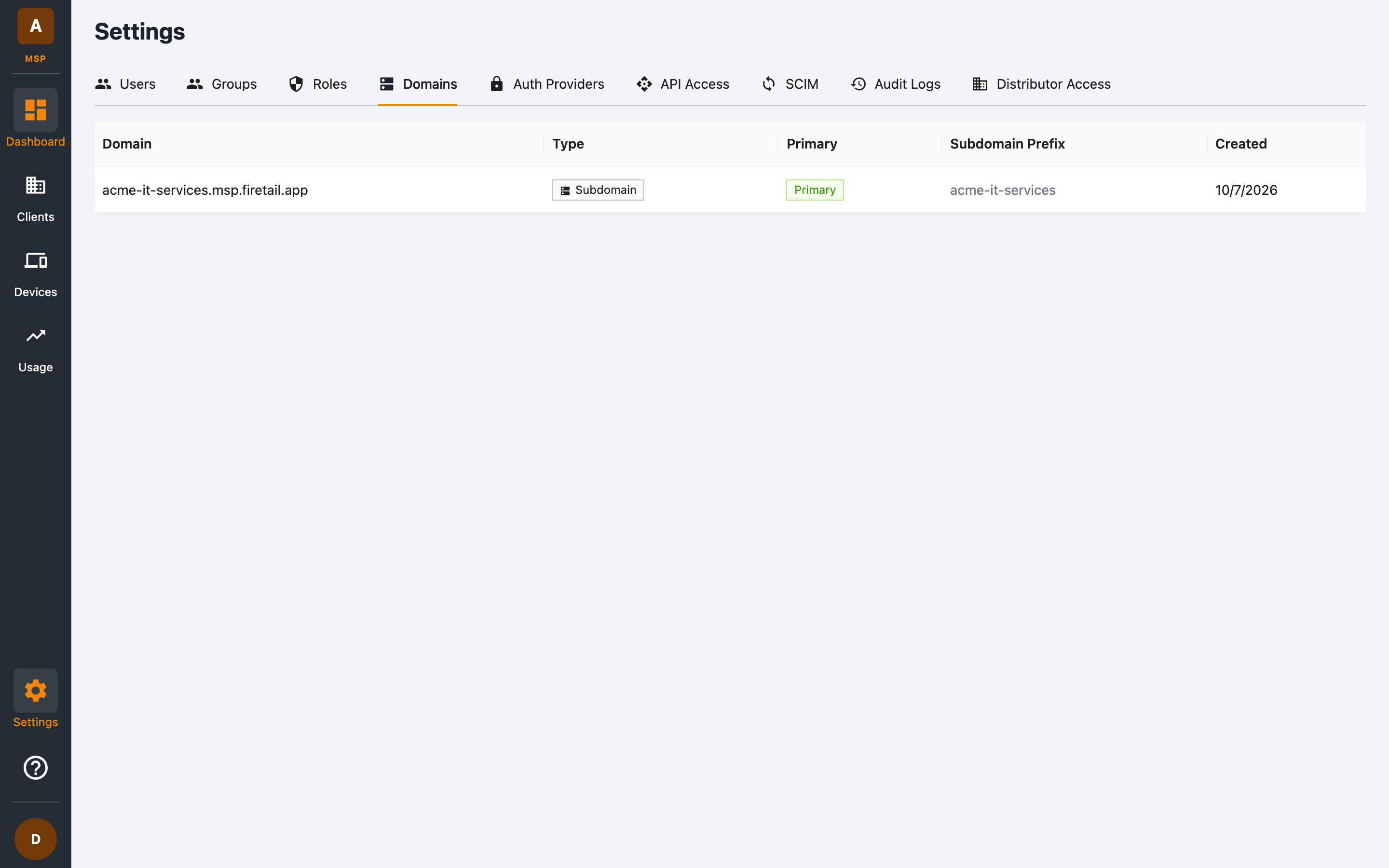
Domain types
| Type | Example | How it's created |
|---|---|---|
| Subdomain | acme-inc.msp.firetail.app |
Generated automatically from your MSP name when the MSP is created. |
| Custom | portal.acme.com |
Registered for you by FireTail on request — bring your own domain. |
Exactly one domain is marked as Primary — this is the canonical URL for your portal. By default it's your auto-generated subdomain.
The domains table
| Column | Description |
|---|---|
| Domain | The full domain name. |
| Type | Subdomain or Custom. |
| Primary | Whether this is your canonical portal URL. |
| Subdomain Prefix | For subdomains, the prefix used (for example acme-inc). |
| Created | When the domain was registered. |
The Domains tab is shown to users with permission to list domains.
Subdomain naming rules
Your subdomain prefix is derived from your MSP name: lowercased, with spaces and underscores replaced by hyphens, non-alphanumeric characters stripped, and consecutive hyphens collapsed. Prefixes are unique across all MSPs.
Adding a custom domain
Custom domain registration (including DNS verification and SSL certificate provisioning) is handled by FireTail. Contact support@firetail.io to associate your own domain with your portal. Once registered, it appears in the Domains tab and users can sign in through it — the portal behaves identically on every registered domain.