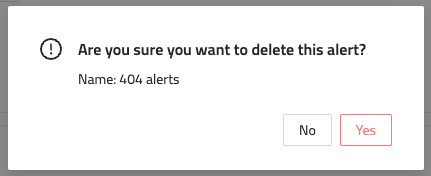
Delete an AI Alert Updated: July 31, 2026 Alerting In the side menu, go to Workload. Select Alerting. Select the Alert you want to delete. Click Delete in the lower left of the page. Click Yes to confirm. Need help? Contact FireTail support