
Chrome Browser Extension
Updated: July 31, 2026
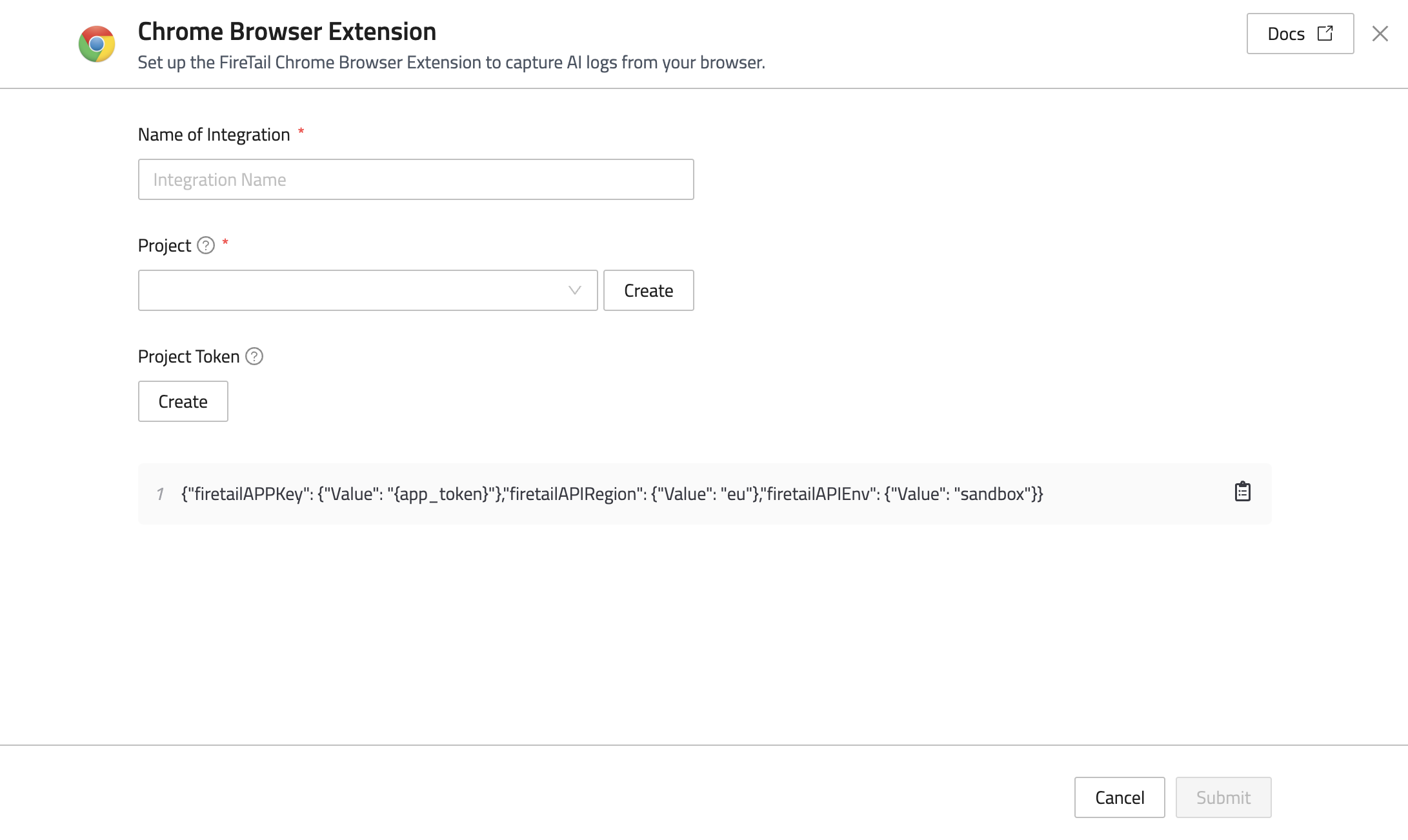
The Chrome Browser Extension integration enables FireTail to capture AI logs from your browser and send them to the FireTail platform, where they can be viewed and analyzed. Follow the steps below to generate the extension policy string:
- In the side menu, go to Settings, then select Integrations.
- Filter by selecting the Logging category.
- Select Chrome Browser Extension.
- In the Name of Integration field, enter a name for the integration.
- Select a project from the dropdown, or click Create to create a new project. This is the project that will be associated with the integration.
- Under Project Token, click Create:
- Enter a name for your token.
- Click Submit.
- Copy the generated JSON string, and continue to setup the browser extension.