

How do I log in to the platform?
Updated: August 18, 2026
After you have created an account or have been invited to be a member of an organization, you can log in to the FireTail platform.
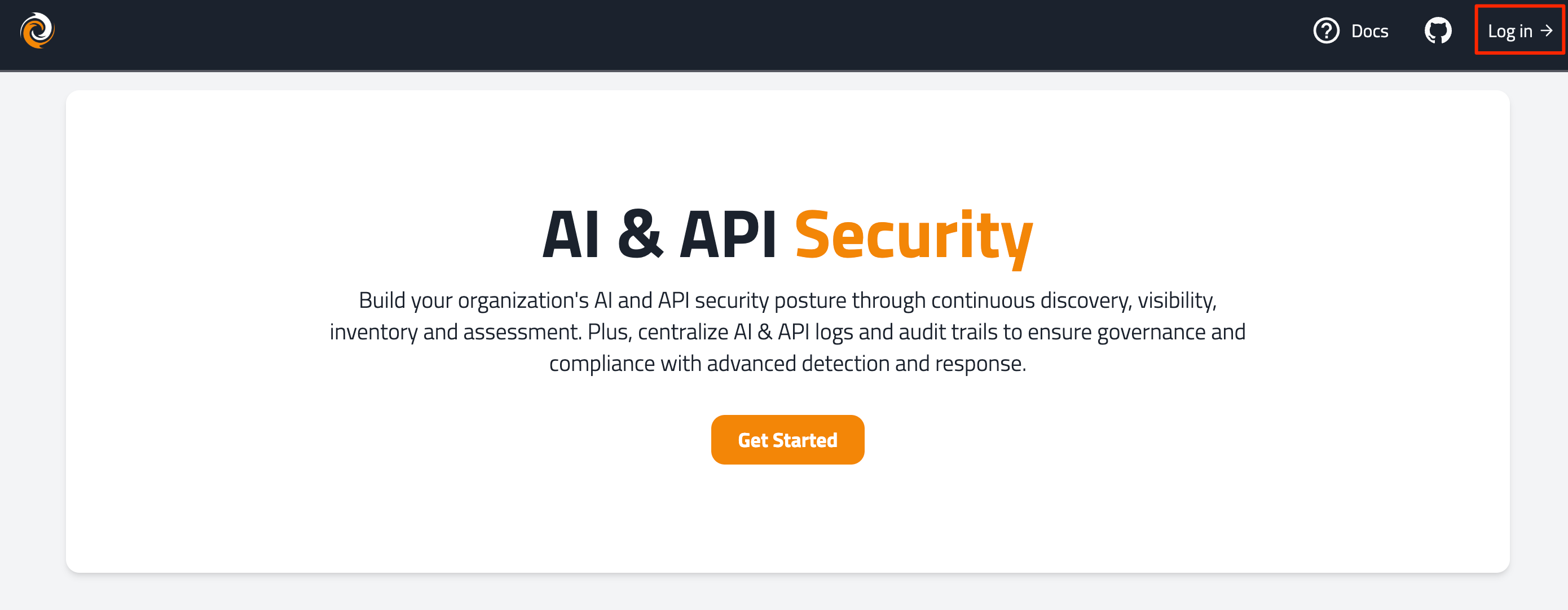
- Go to www.firetail.app.
- In the top right, click Log In.
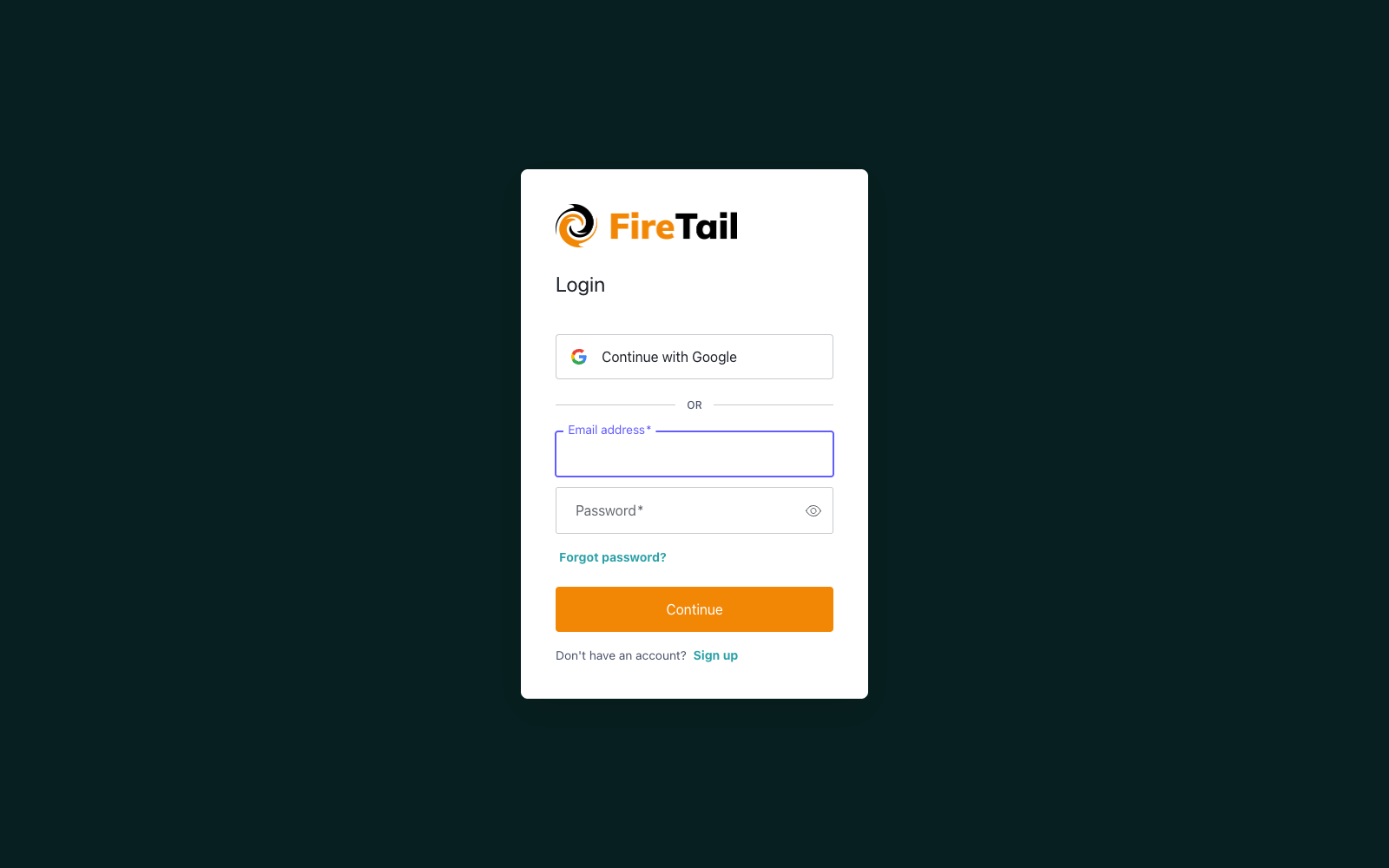
- You can log in by selecting to either:
- Enter the email address and password. Click Continue.
- Enter your one-time code, generated from your authenticator app, click Continue.
- Click Continue with Google.
- Enter your one-time code, generated from your preferred authenticator app, click Continue.
You are logged in to the platform and can view any organizations you are a member of. If you need a new organization, reach out to your account manager or FireTail support.
- Learn how to reset a password here.
- Learn how to reset two-factor authentication here.