

How do I create an account?
Updated: August 18, 2026
You can create a FireTail account and then be invited to an organization by an existing member, or have an organization provisioned for you by the FireTail team.
If your company is new to FireTail, the quickest way to get started is to click Start a Trial on www.firetail.app and book an onboarding call. The FireTail team will help you set up your account, organization, and integrations.
Create an account
-
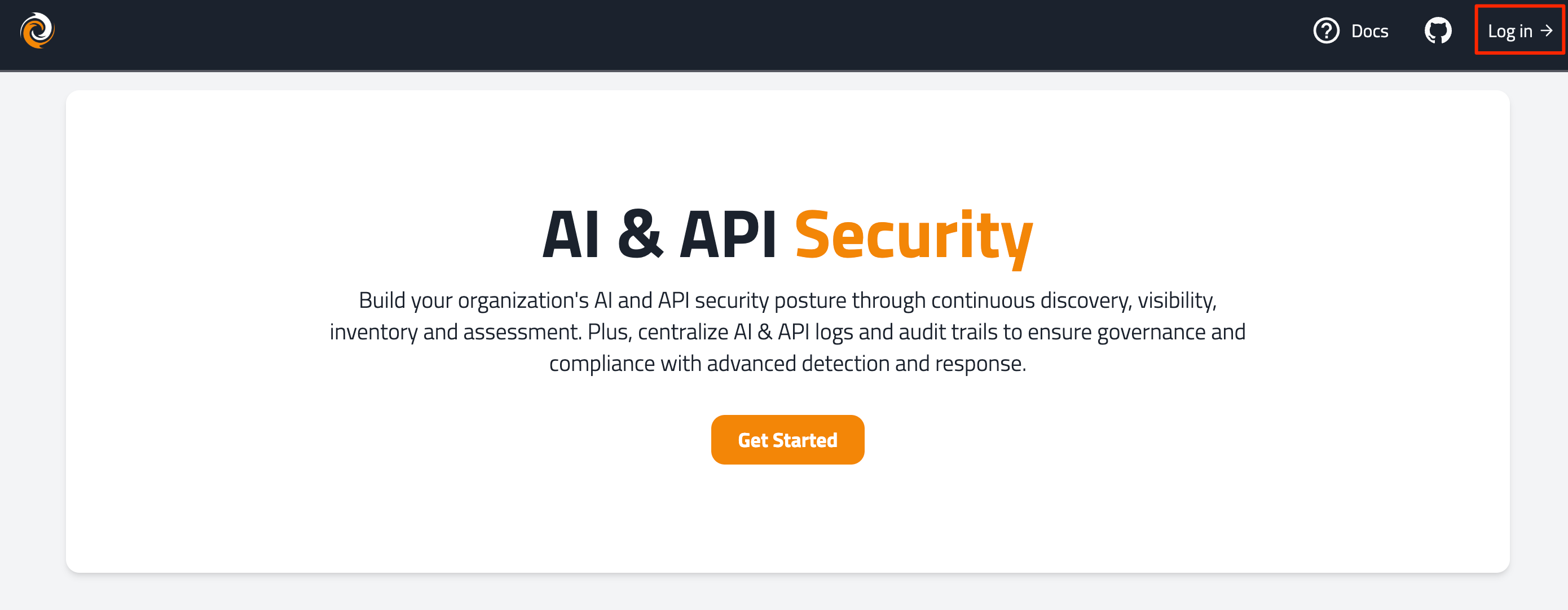
Go to www.firetail.app.
-
In the top right, click Log In.
-
On the login page, click Sign up.

-
Enter an email address and password. Click Continue.
- Note: Passwords must contain:
- At least 15 characters.
- At least one from three of the following four categories:
- Lowercase letters (a-z).
- Uppercase letters (A-Z).
- Numbers (0-9).
- Special characters (for example, !@#$%^&*).
- Note: Passwords must contain:
-
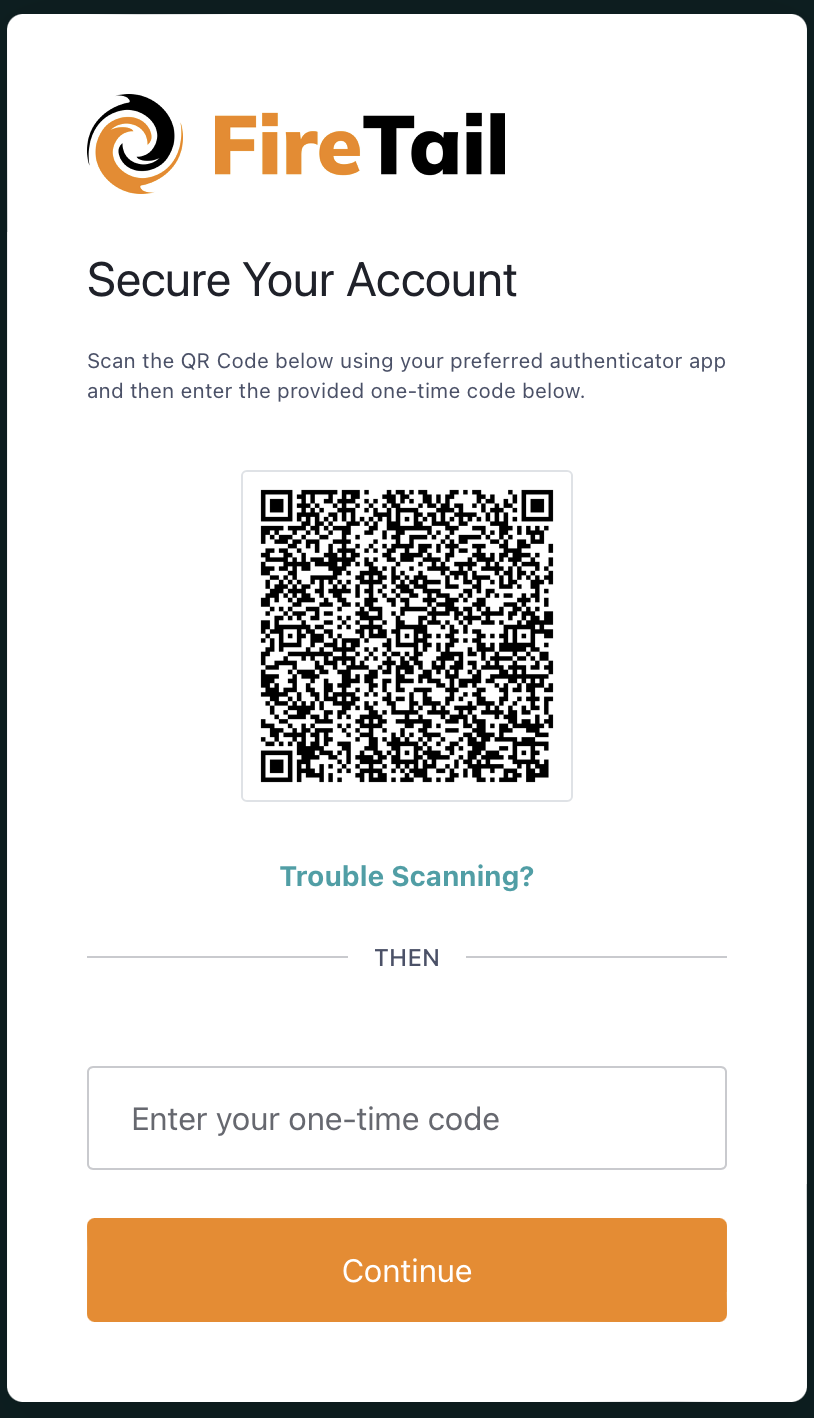
Using your preferred authenticator app (for example, Google Authenticator) scan the QR code. A one-time passcode is generated on the app.
-
Enter the generated code. Click Continue.
-
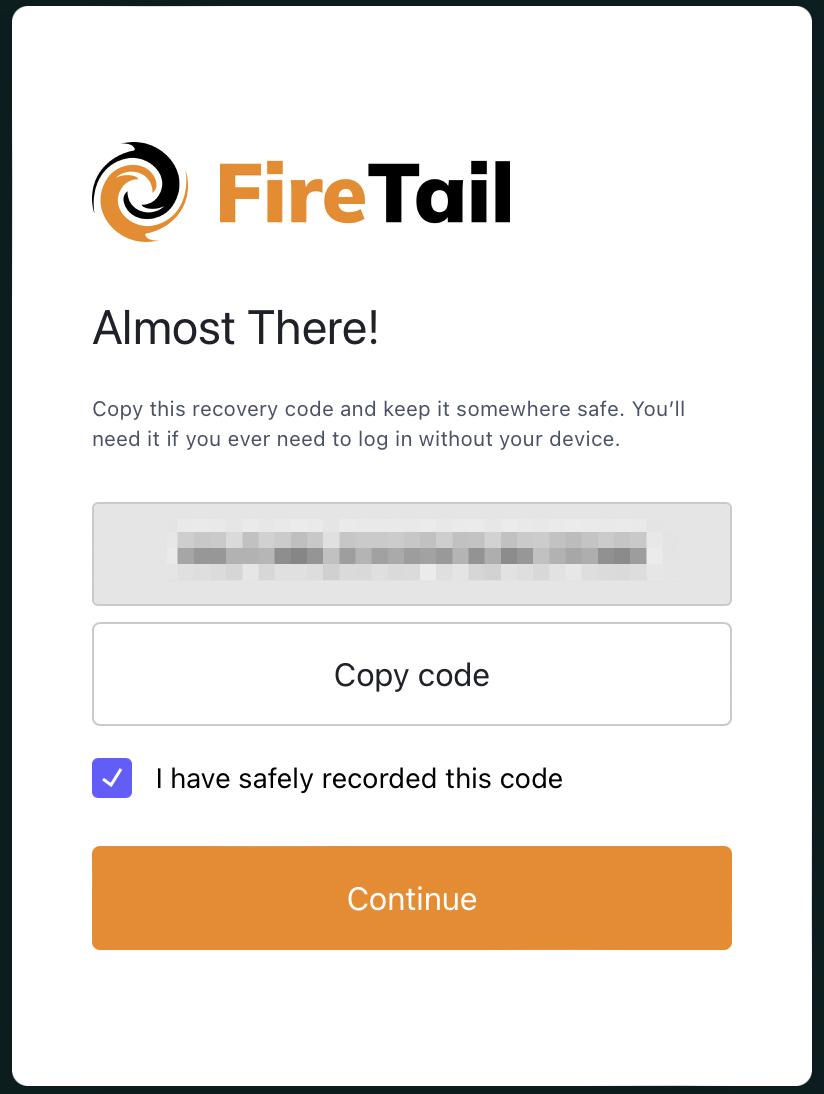
A recovery code is generated. Copy the code and store it somewhere safe (for example, a password manager).
-
Mark the checkbox to indicate that you have copied and stored the new recovery code.
-
Click Continue.
An email is sent with a verification link to activate the new account.
After your account is activated
Organizations are set up for you by the FireTail team. When your account is active:
- If your company already uses FireTail, ask an Organization Admin to add you as a member.
- If you need a new organization, reach out to your account manager or FireTail support. Learn more about organizations.