

Set Up an Organization
Updated: August 18, 2026
An organization is your team's workspace in the FireTail platform. Everything — members, Projects, Integrations, dashboards, and logs — is scoped to an organization.
Note: You can be a member of multiple organizations on the platform. Each organization is independent, with no shared resources.
How organizations are set up
Organizations are provisioned by the FireTail team:
- New to FireTail? Click Start a Trial on the FireTail website to book an onboarding call. During the call, the FireTail team creates your organization and helps you set up members and integrations.
- Already have an account? Reach out to your account manager or FireTail support to have a new organization created.
The first member of an organization is assigned the role of Organization Admin. Additional members can then be added. Learn how to add a new member here.
View and switch organizations
-
In the side menu, click the FireTail logo.
-
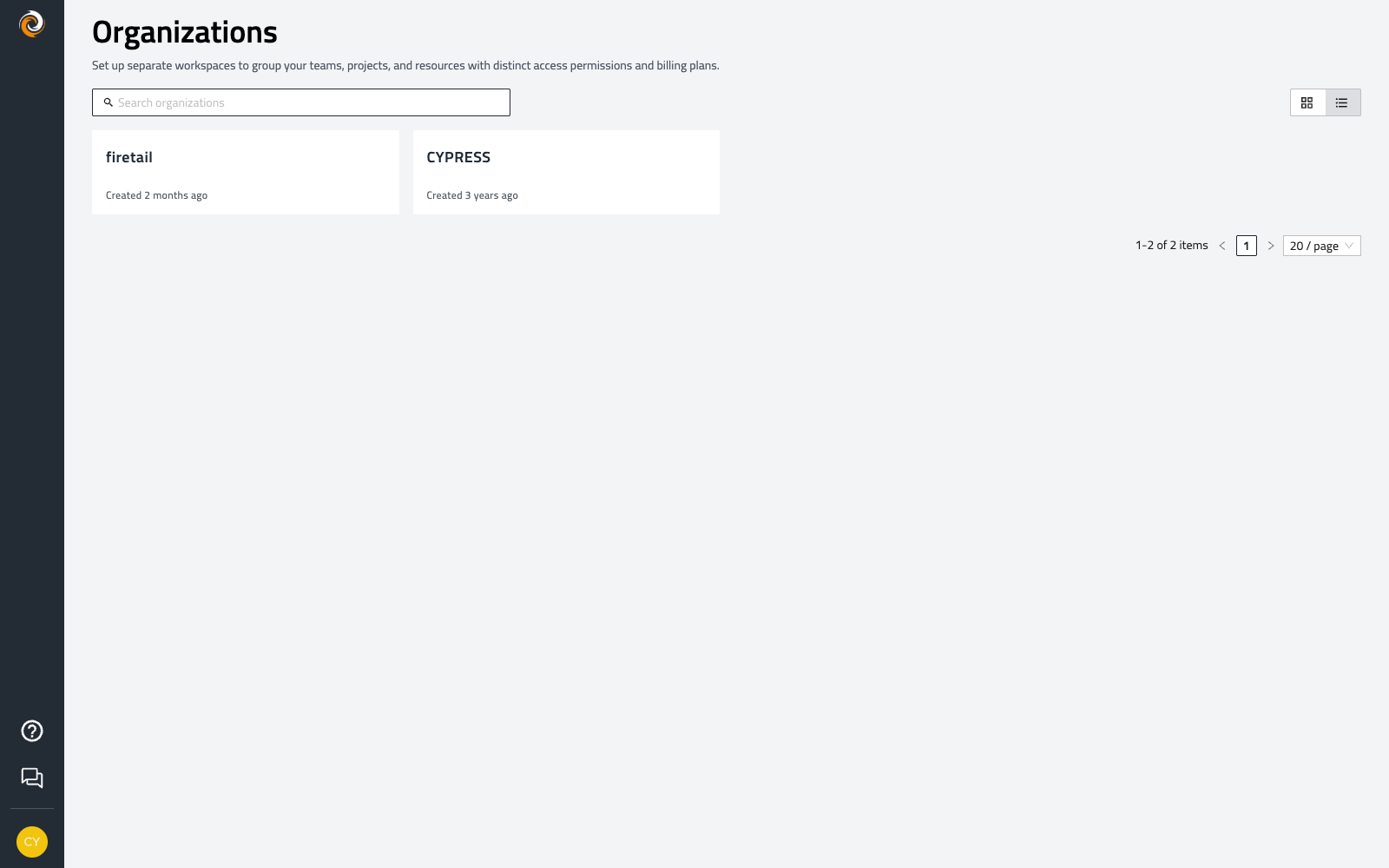
Click View All Organizations to see every organization you belong to.
-
Select an organization to open it.