

Modify a Project
Updated: October 22, 2026
In the FireTail platform, you can update project settings and manage ownership or custom tags. Follow these steps to modify a project:
- In the side menu, go to Settings and select Projects.
- Select the project you want to modify.
- In the project details, click Edit.

You can modify:
- Project Name
You can add or modify existing:
- Owners: Add owners to the project.
- Custom Tags: Add custom tags to the project.
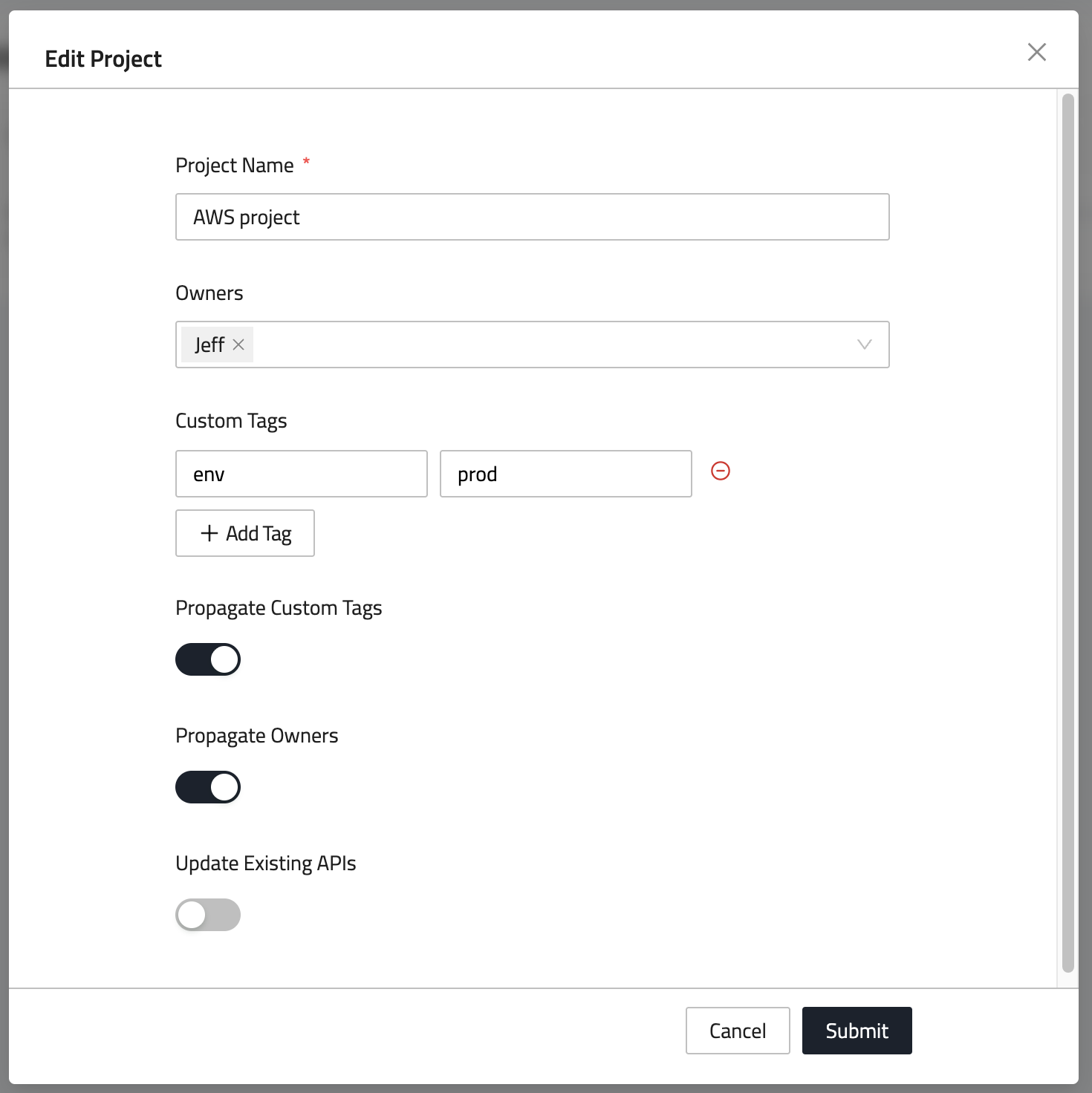
- Click Submit to save your changes.