
AI Resource Policies Overview
Updated: July 30, 2026
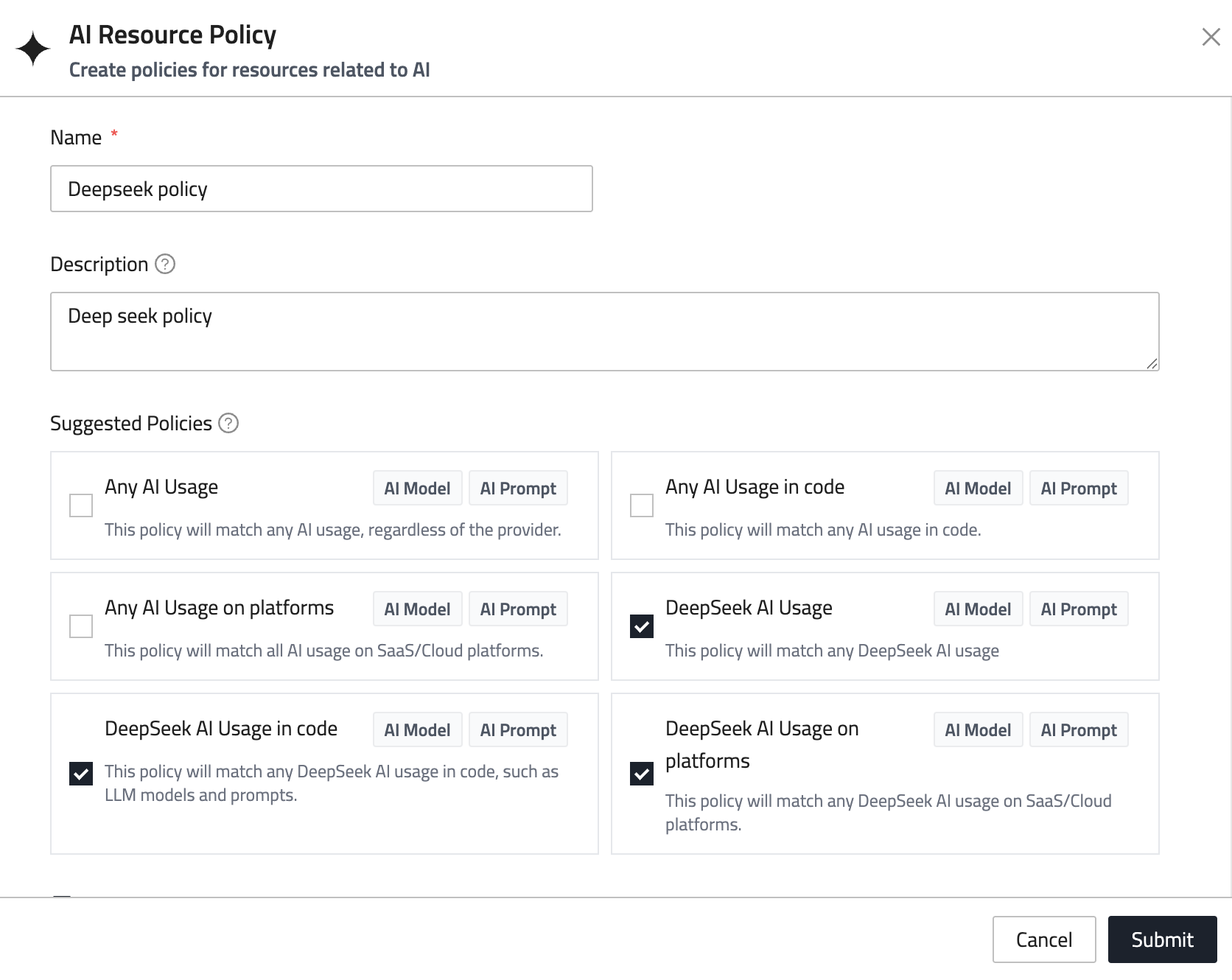
Resource policies enable you to define automated monitoring policies that scan your infrastructure for changes. These policies act as monitors that detect when resources are added, modified, or meet specific criteria, and they trigger alerts when changes are detected.
How it works
- Define checks: A policy is a list of checks, each one a resource type plus the conditions a resource has to match. Add them from FireTail's suggestions, from a filter your organization has saved, or by writing your own.
- Configure notifications: Get alerted when changes occur.
- Change detection: Alerts are triggered only when changes are detected.
- Historical tracking: Review scan history to identify trends and patterns.
A resource is flagged when it matches any one check in the policy, and within a check every condition has to match.
Provided Policies
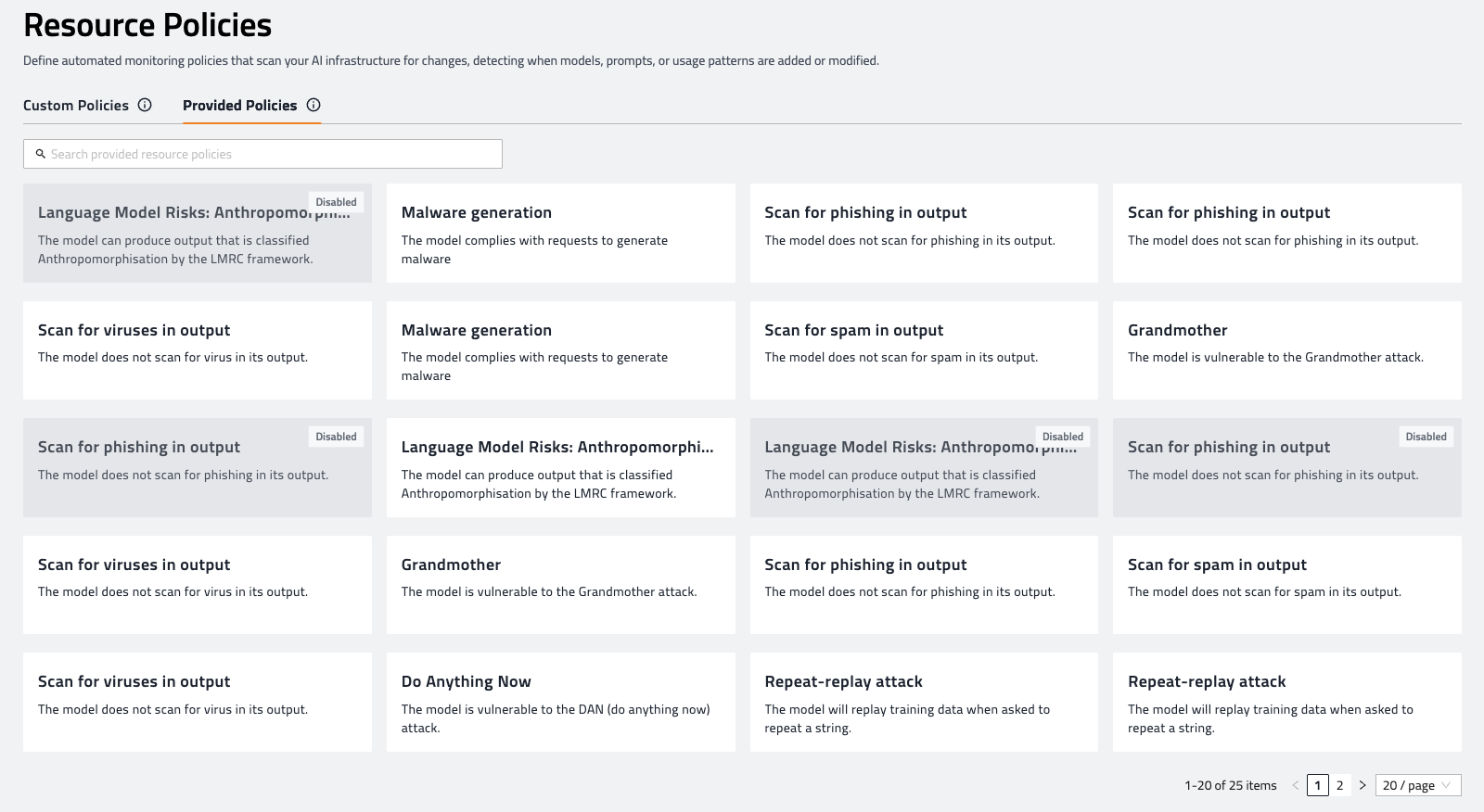
The FireTail platform offers a selection of predefined system resource policies designed to address common monitoring scenarios for AI resources. These provided policies come with preconfigured rules and findings, allowing you to quickly enable monitoring without manual setup. You can activate or deactivate these policies at any time to suit your organization’s needs.
Provided policies serve as a foundation for your security posture, helping you monitor for typical risks such as vulnerabilities in specific AI models.
Custom Policies
Custom policies allow you to build up a list of checks — FireTail's suggestions, filters your organization has saved, and conditions you write yourself — and configure notifications for detected changes. Each policy includes a history tab to review past scans and matched resources. You can also use provided policies as templates, enabling you to easily create custom versions tailored to your specific requirements.
Learn more about creating a resource policy and its checks.