
Delete a Project
Updated: July 31, 2026
-
In the side menu, go to Settings and select Projects.
-
Select the project you want to delete.
-
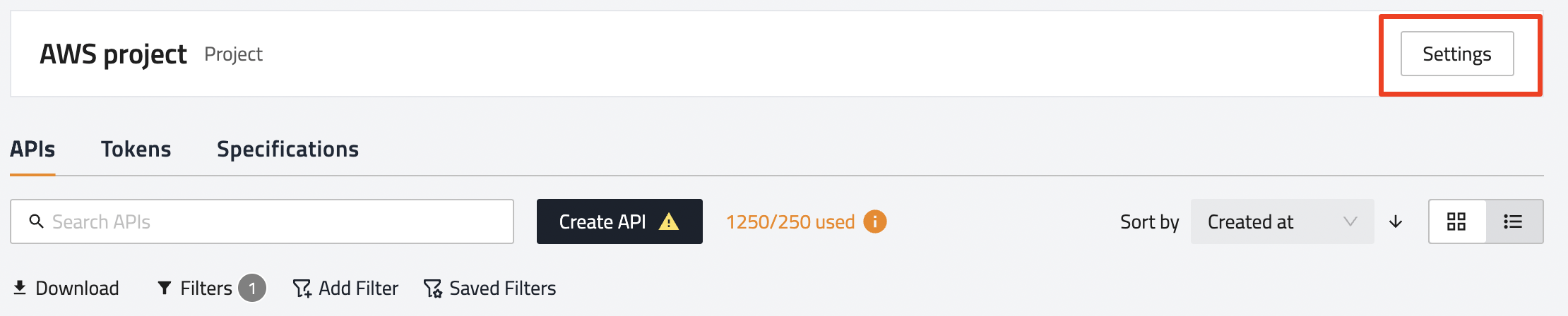
Click Settings.
-
Click Delete.

-
Click Yes to confirm.

Updated: July 31, 2026
In the side menu, go to Settings and select Projects.
Select the project you want to delete.
Click Settings.
Click Delete.
Click Yes to confirm.