
Create a Project
Updated: July 31, 2026
Projects in the FireTail platform are used to group and manage your resources. Creating a project allows you to organize your resources, assign ownership, and apply custom tags.
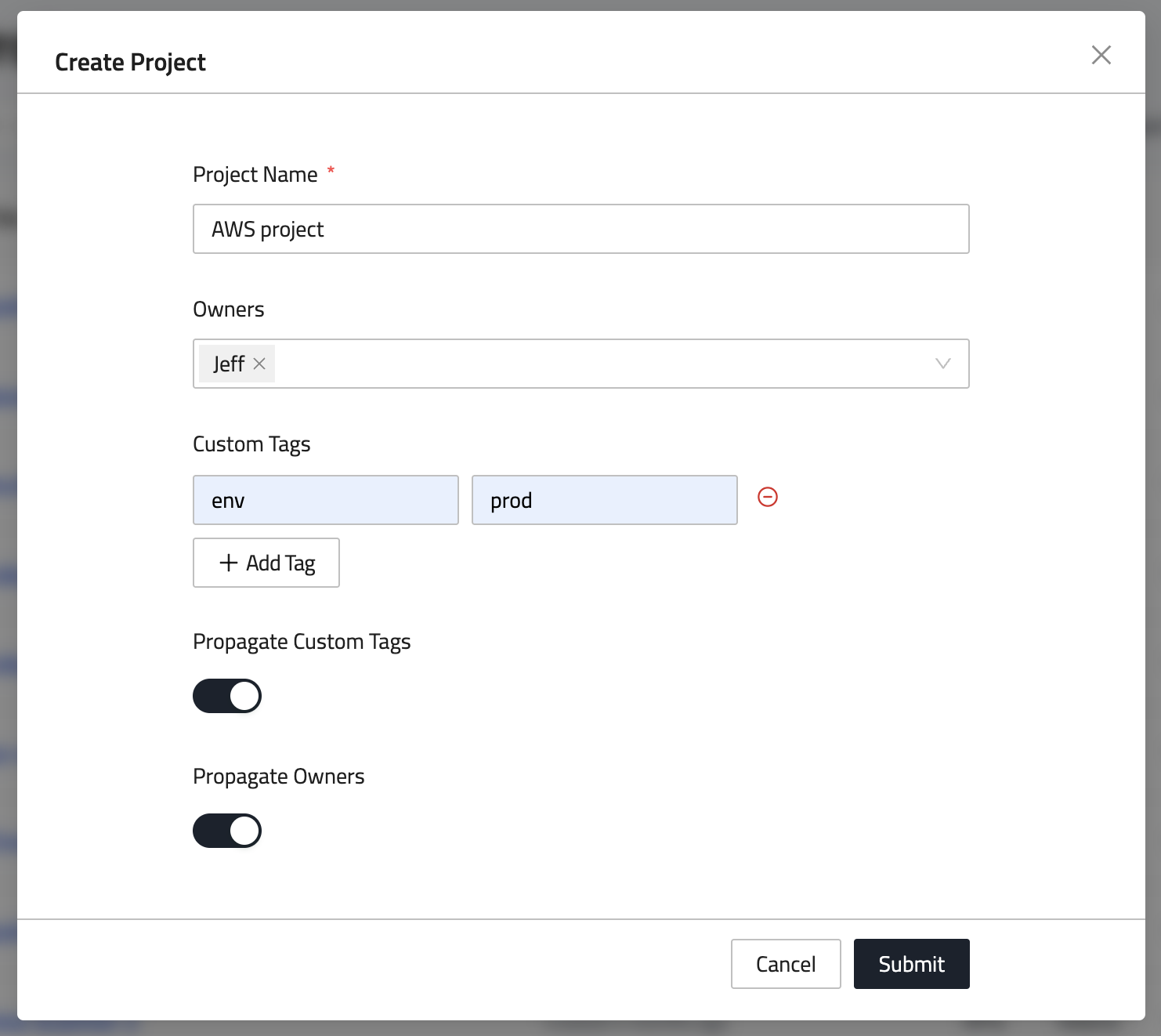
- In the side menu, go to Settings and select Projects.
- Click Create Project.
- Enter a name for the project.
- Assign Owners to the project (optional).
- Add Custom Tags:
- Click Add Tag.
- Enter a Key and a Value for each tag.
- The following options can be toggled on or off:
- Propagate Custom Tags: Automatically inherit tags for any resource created under this project.
- Propagate Owners: Automatically inherit owners for any resource created under this project.
- Click Submit to create the project.