

Anthropic Discovery
Updated: October 22, 2026
Anthropic Discovery connects your Anthropic Console organization to FireTail to discover models and collect usage, managed-agent, and Claude Code activity. This is separate from Anthropic Logging, which imports Claude Enterprise conversations from claude.ai.
Before you begin, create an Admin key and a regular API key in the Anthropic Console. The Admin key reads organization activity; the regular API key lists available models. See Anthropic's Admin API documentation for access requirements.
- In the side menu, go to Settings, then Integrations, and open Available.
- Select Anthropic Discovery.
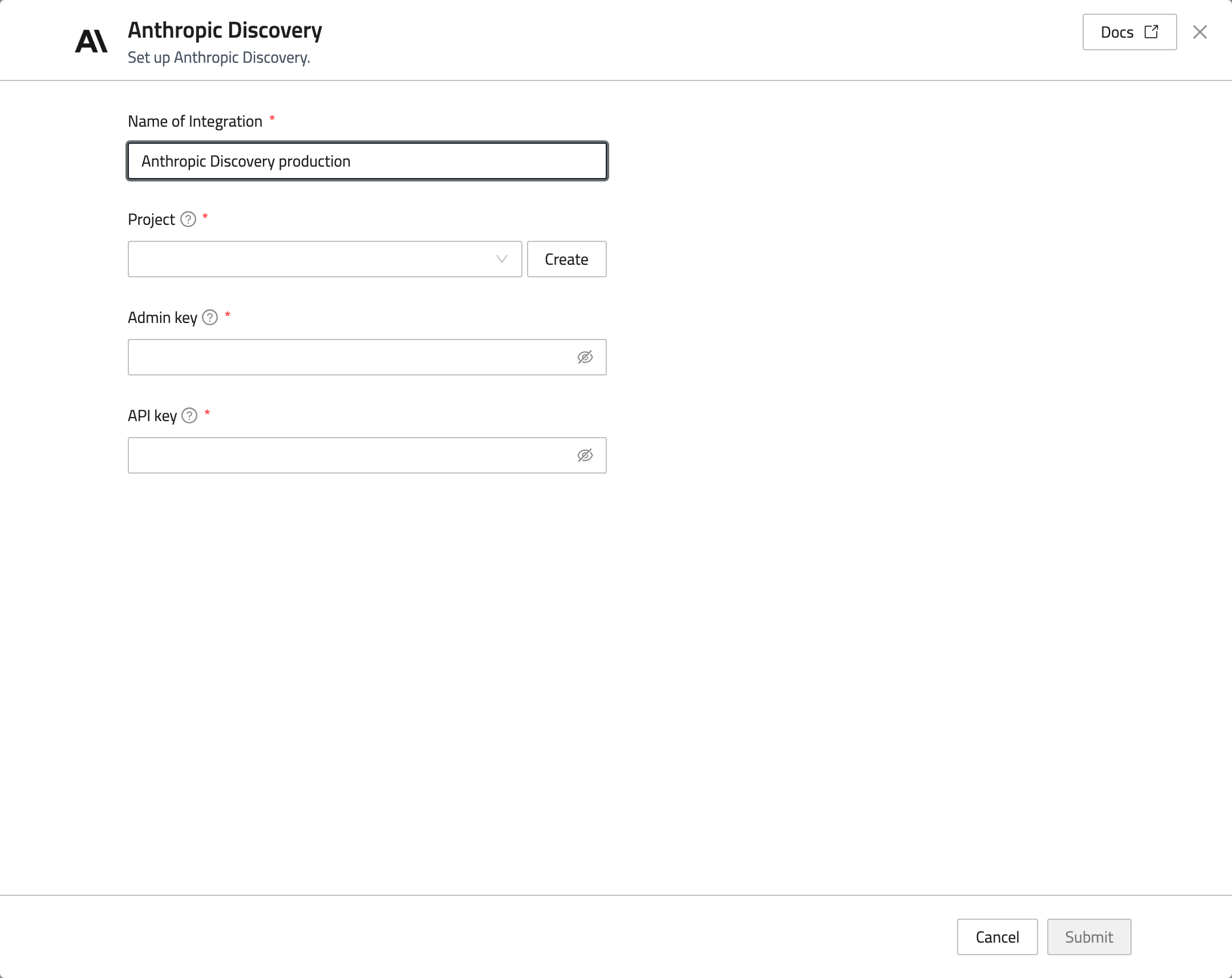
- Enter a Name of Integration.
- Select the Project that will contain the discovered resources, or click Create to create one.
- Enter your Admin key and API key in their respective fields.
- Click Submit.
Open Workload to view discovered resources. Discovery runs asynchronously, so new resources may take a few minutes to appear. To update credentials, open the integration under Existing; leave a credential blank to keep its stored value.