

Anthropic Logging
Updated: October 22, 2026
Anthropic Logging imports claude.ai conversations from Claude Enterprise into FireTail for auditing and analysis. It requires a Compliance Access Key with the read:compliance_user_data scope. The Admin and API keys used by Anthropic Discovery do not grant access to this conversation data.
- In your Claude Enterprise organization, open Organization settings, then API, and create a Compliance Access Key with
read:compliance_user_dataaccess. - In FireTail, go to Settings, then Integrations, and open Available.
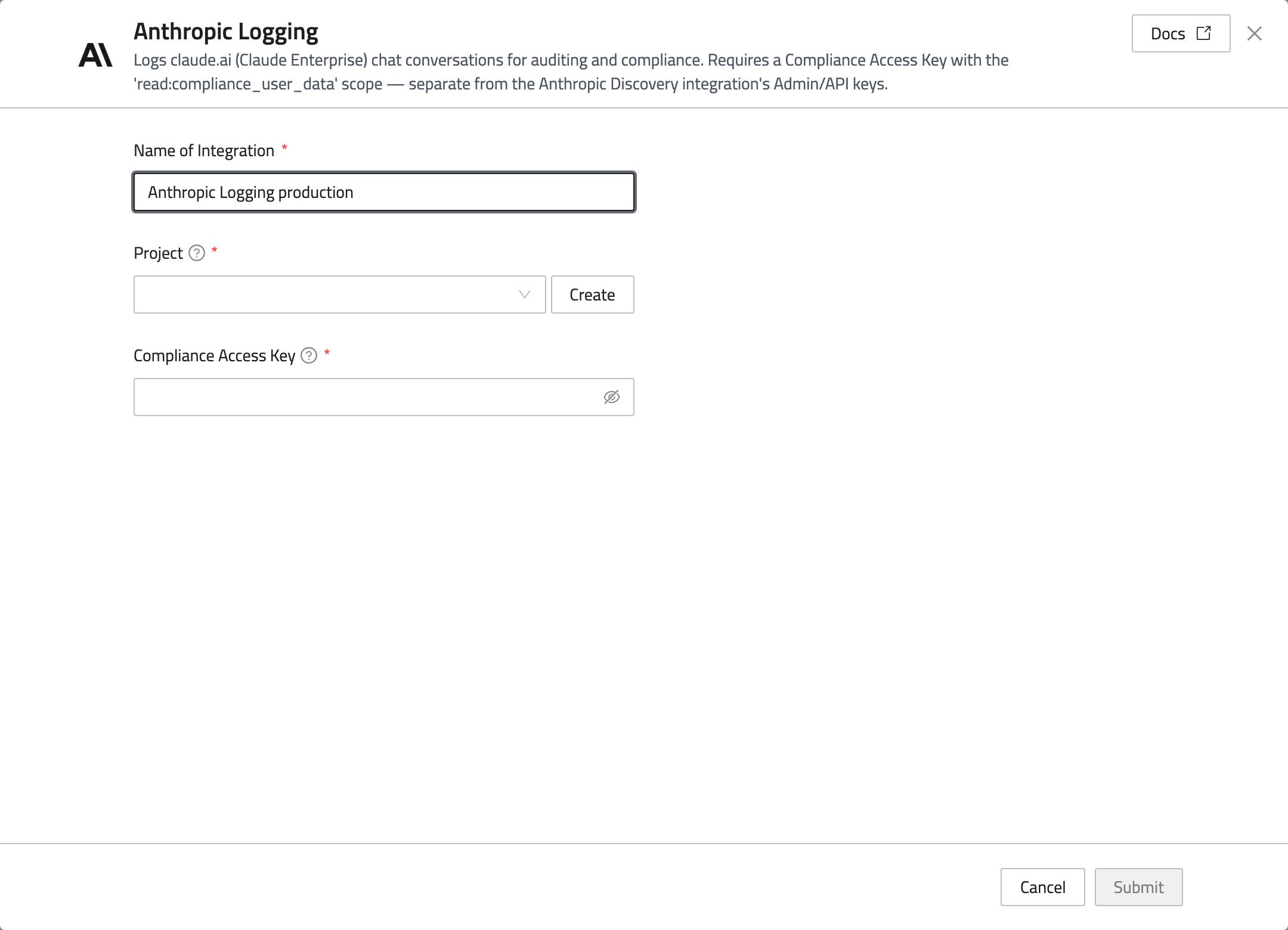
- Select Anthropic Logging and enter a Name of Integration.
- Select a Project, or click Create to create one.
- Enter the Compliance Access Key.
- Click Submit.
This integration covers Claude Enterprise chat content from claude.ai. It does not import conversations made through the Anthropic API. Open the integration under Existing to replace its key; leaving the key blank keeps the stored credential.